AUTOMATIC ROUTING
Set a rule once, never think again.
Recurring links land in the right browser, every time.
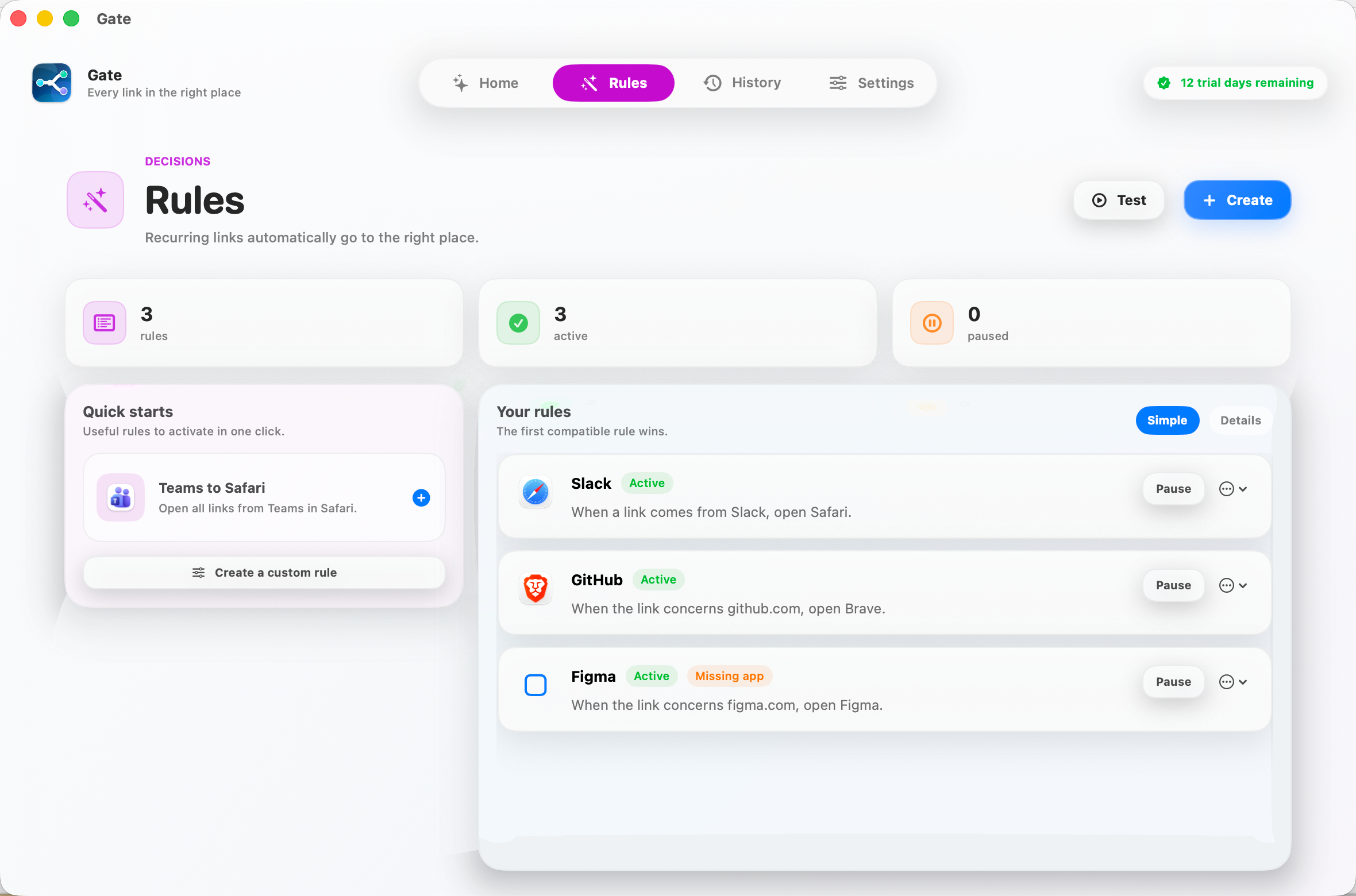
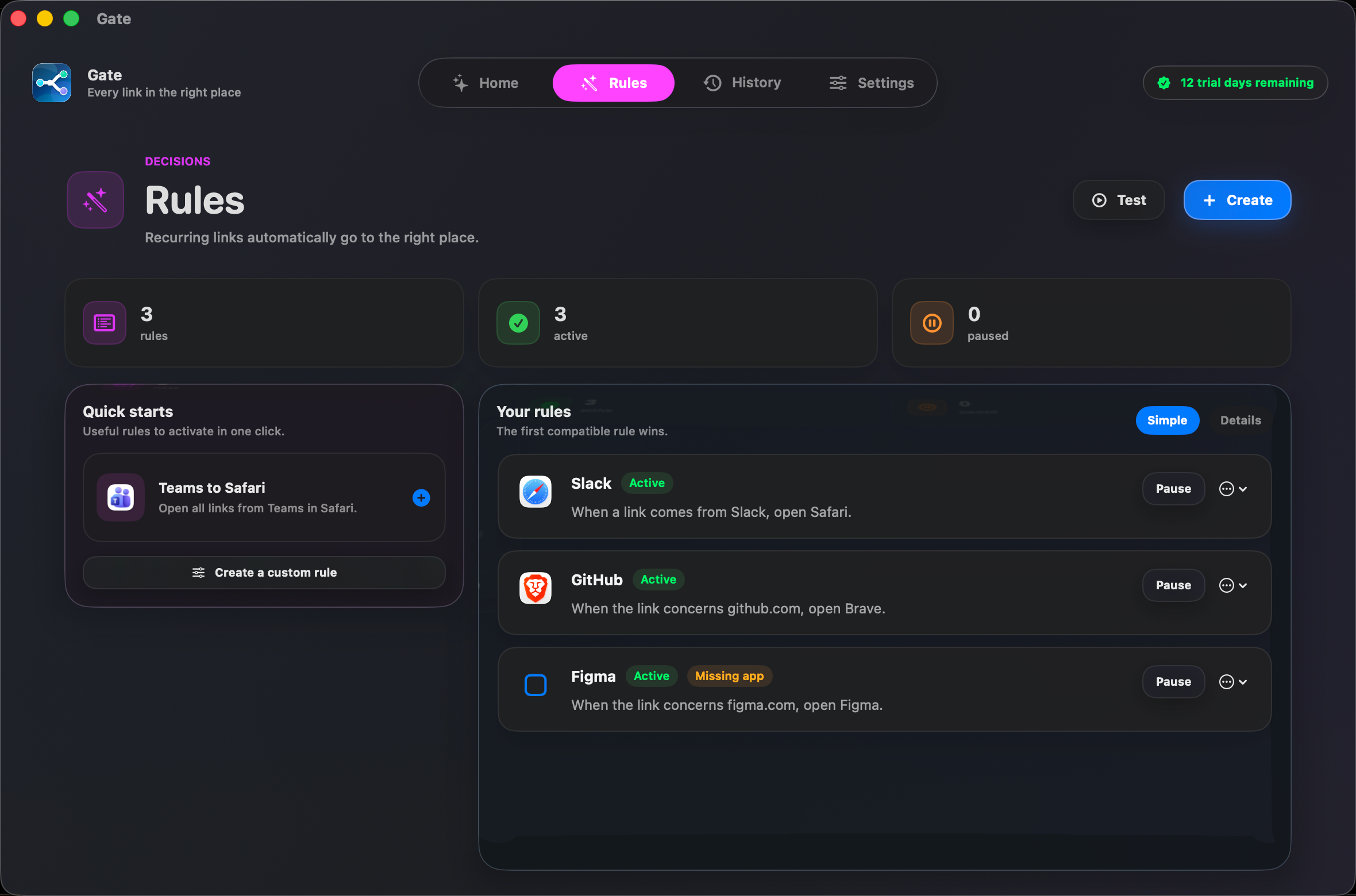
Browser router for macOS
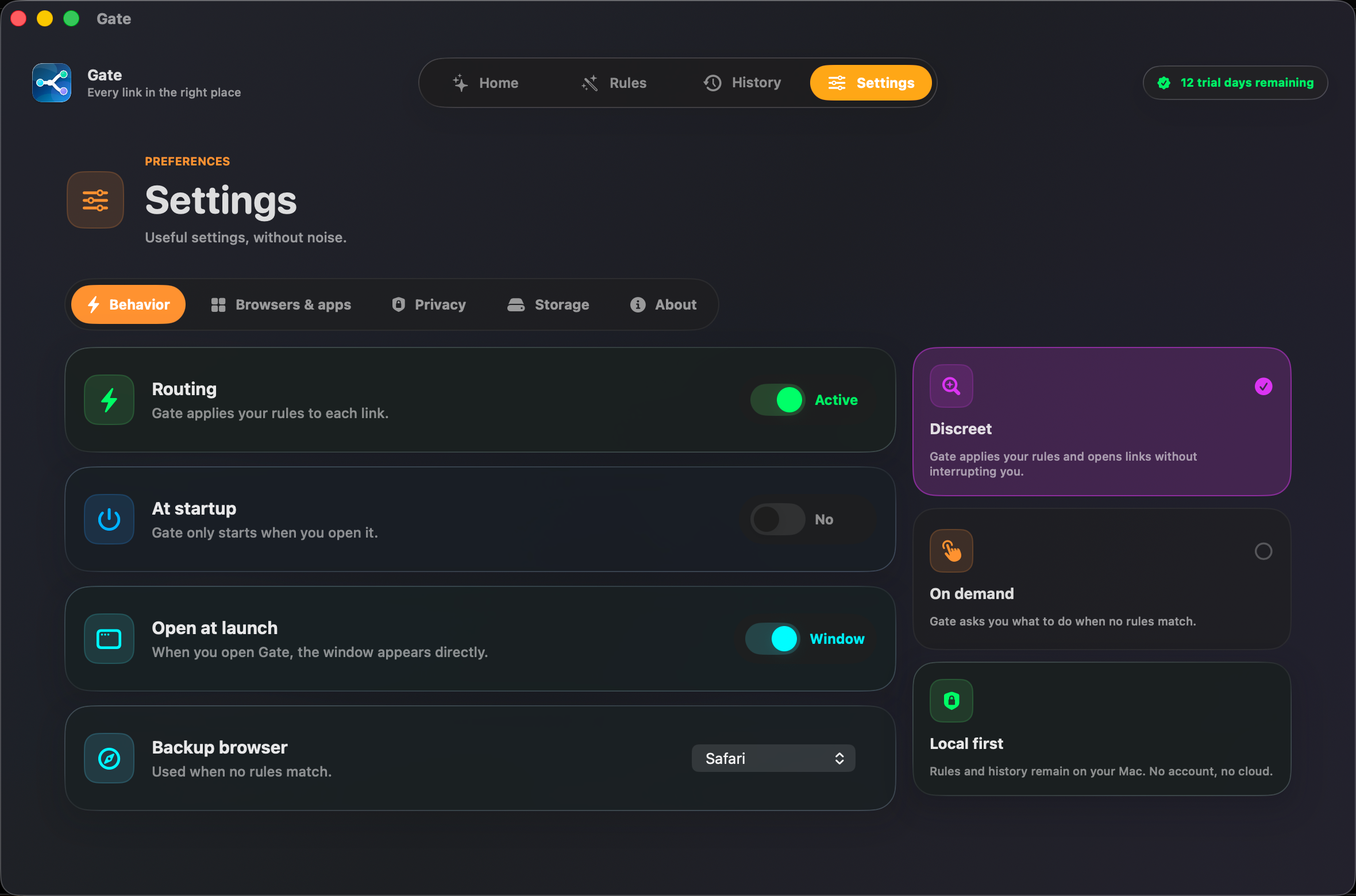
Set Gate as your default browser and every link opens where it belongs — the right browser, profile, or app. No account, no cloud, no subscription.
Free for 14 days, then a one-time purchase. No subscription.
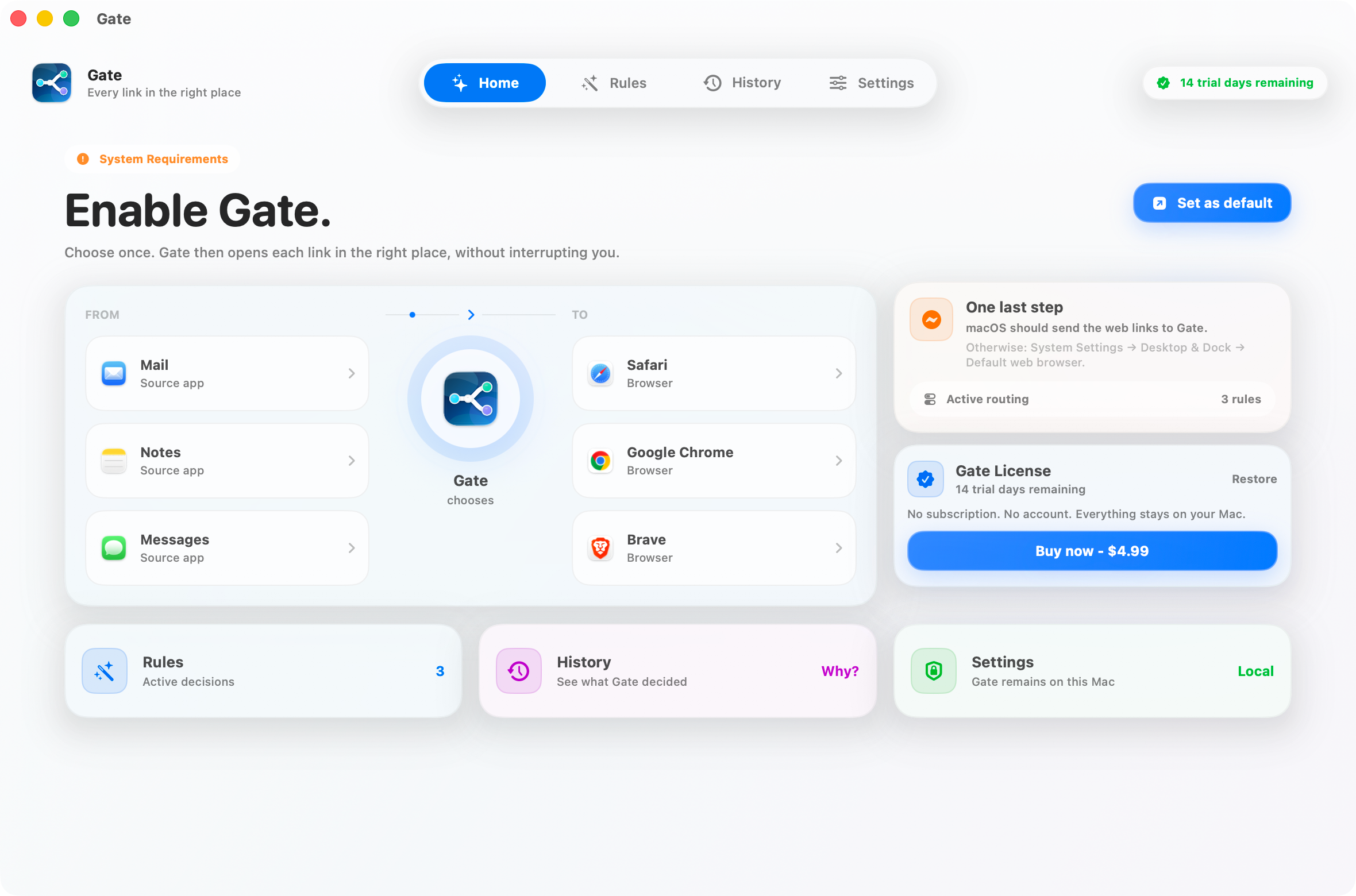
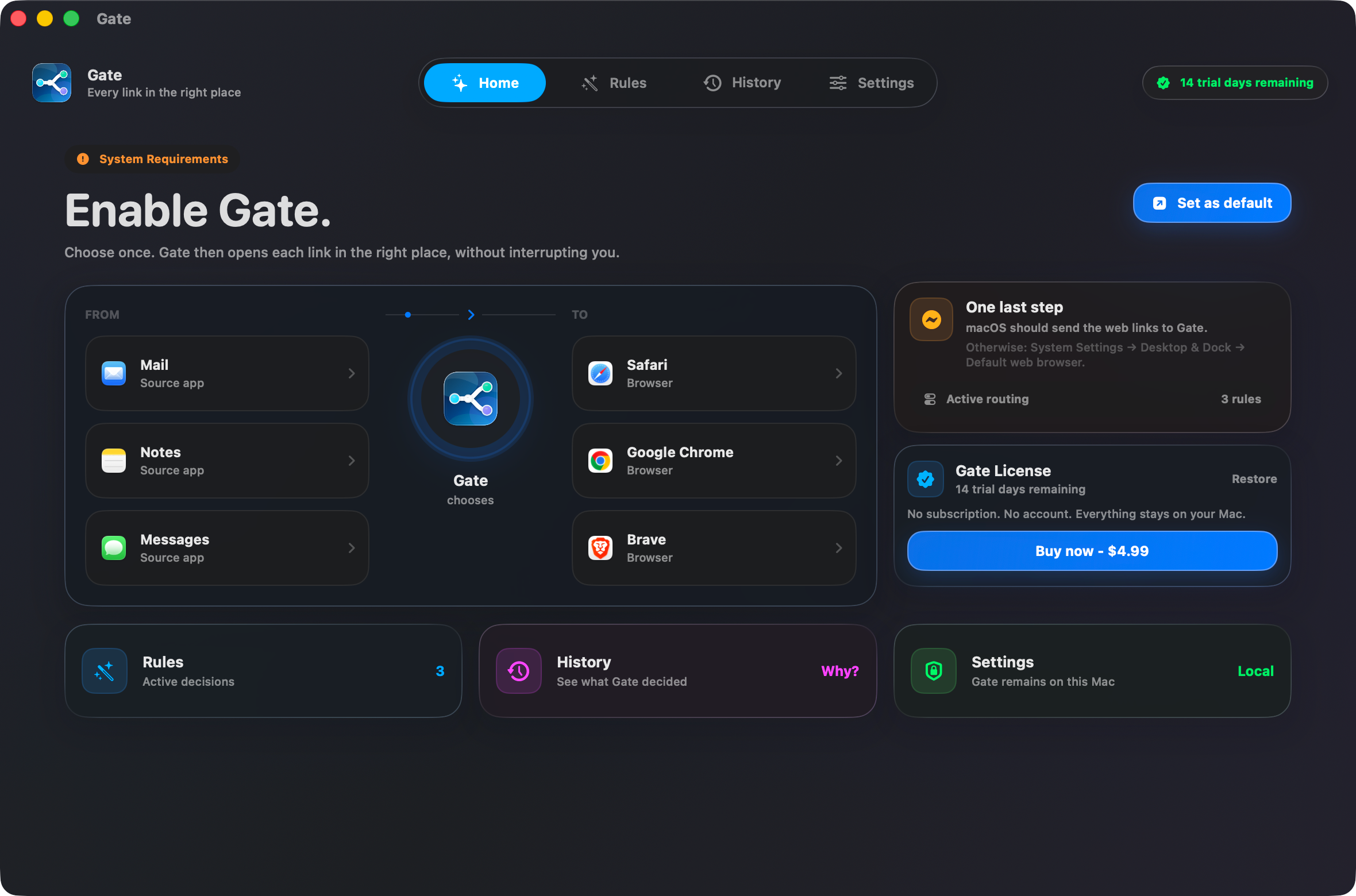
How it works
AUTOMATIC ROUTING
Recurring links land in the right browser, every time.
THREE SIMPLE STEPS
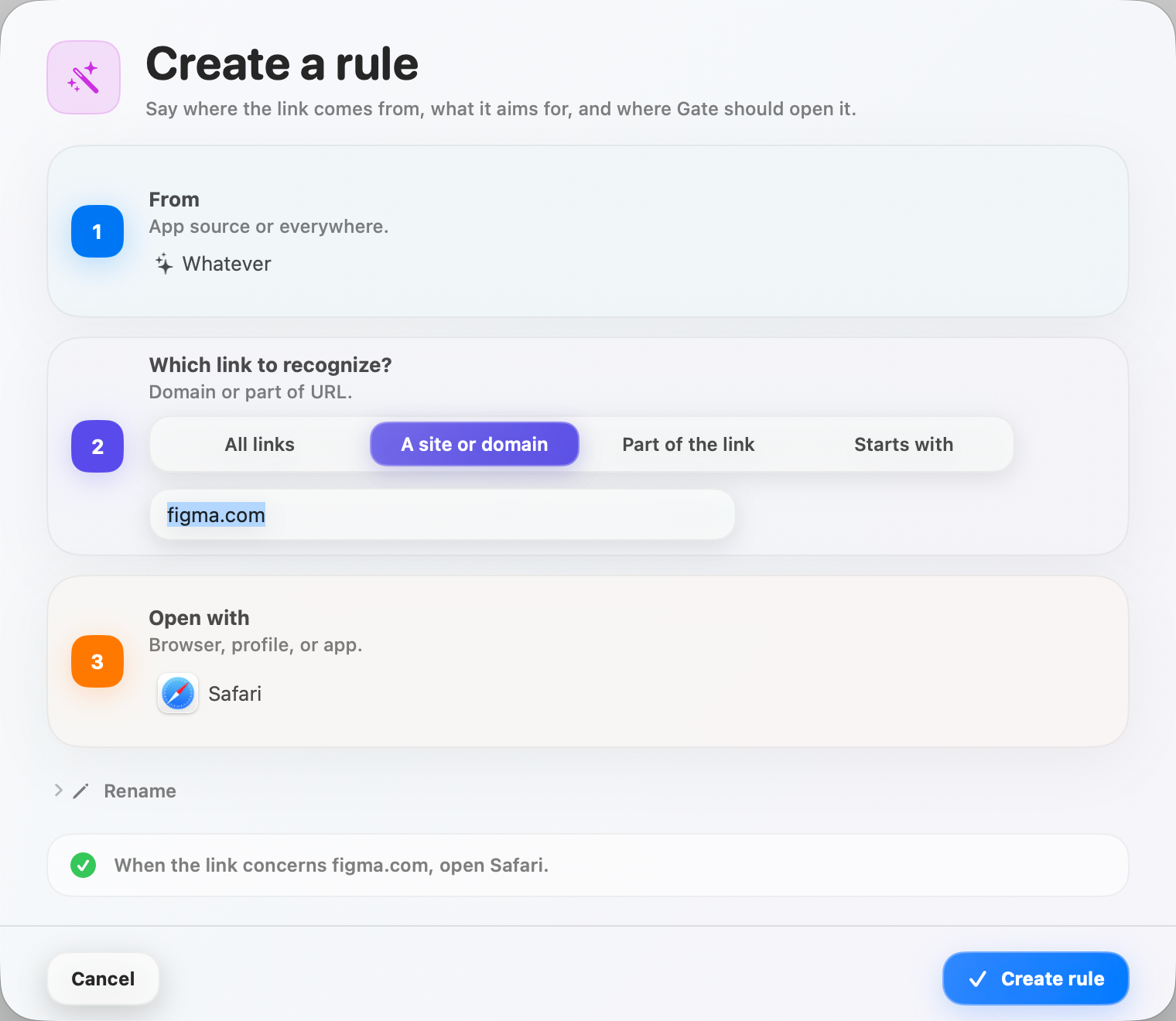
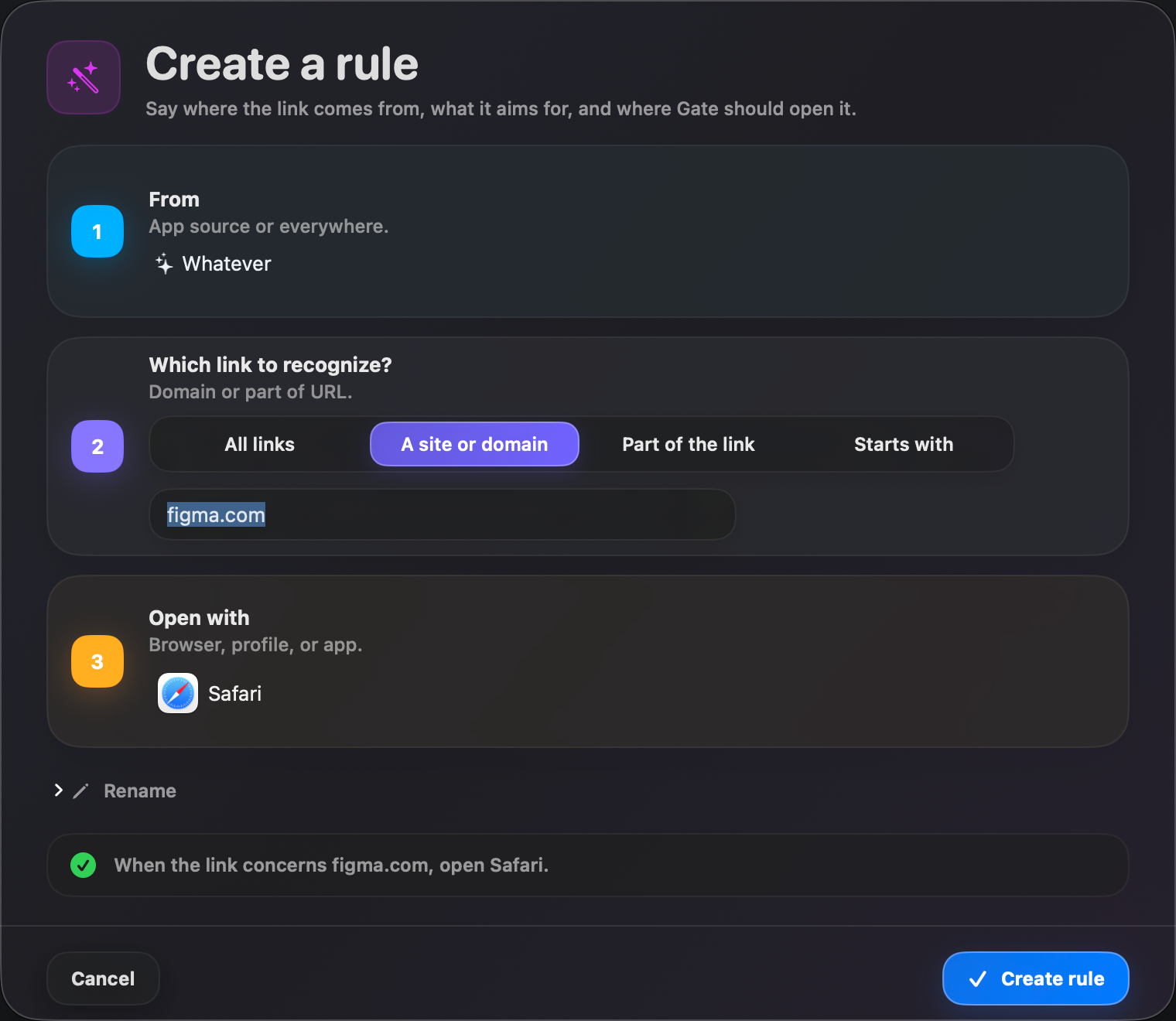
From, match, open — written back to you in plain language.
FULL TRANSPARENCY
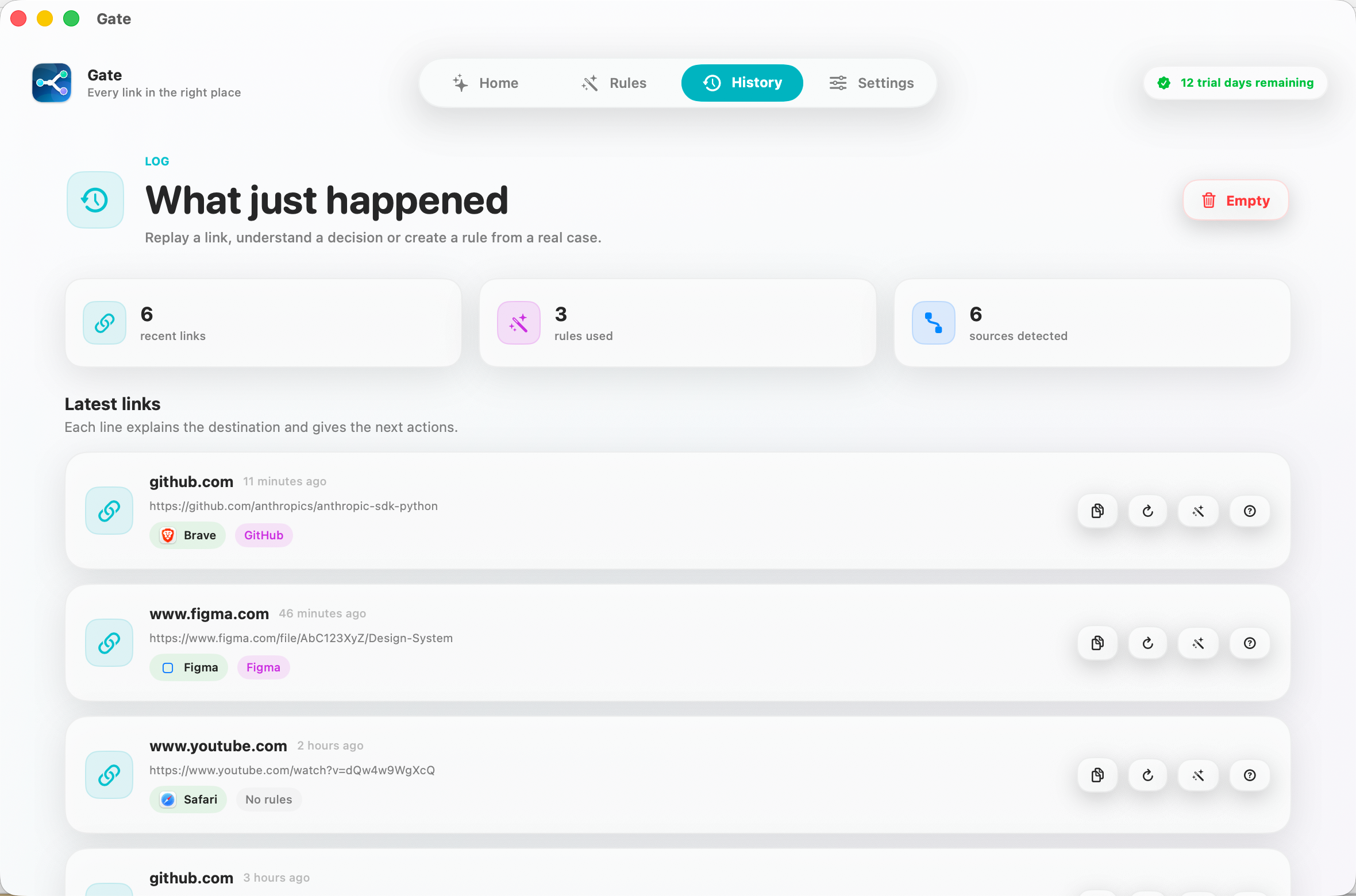
Replay any link, understand it, turn it into a rule.

PRIVATE BY DESIGN
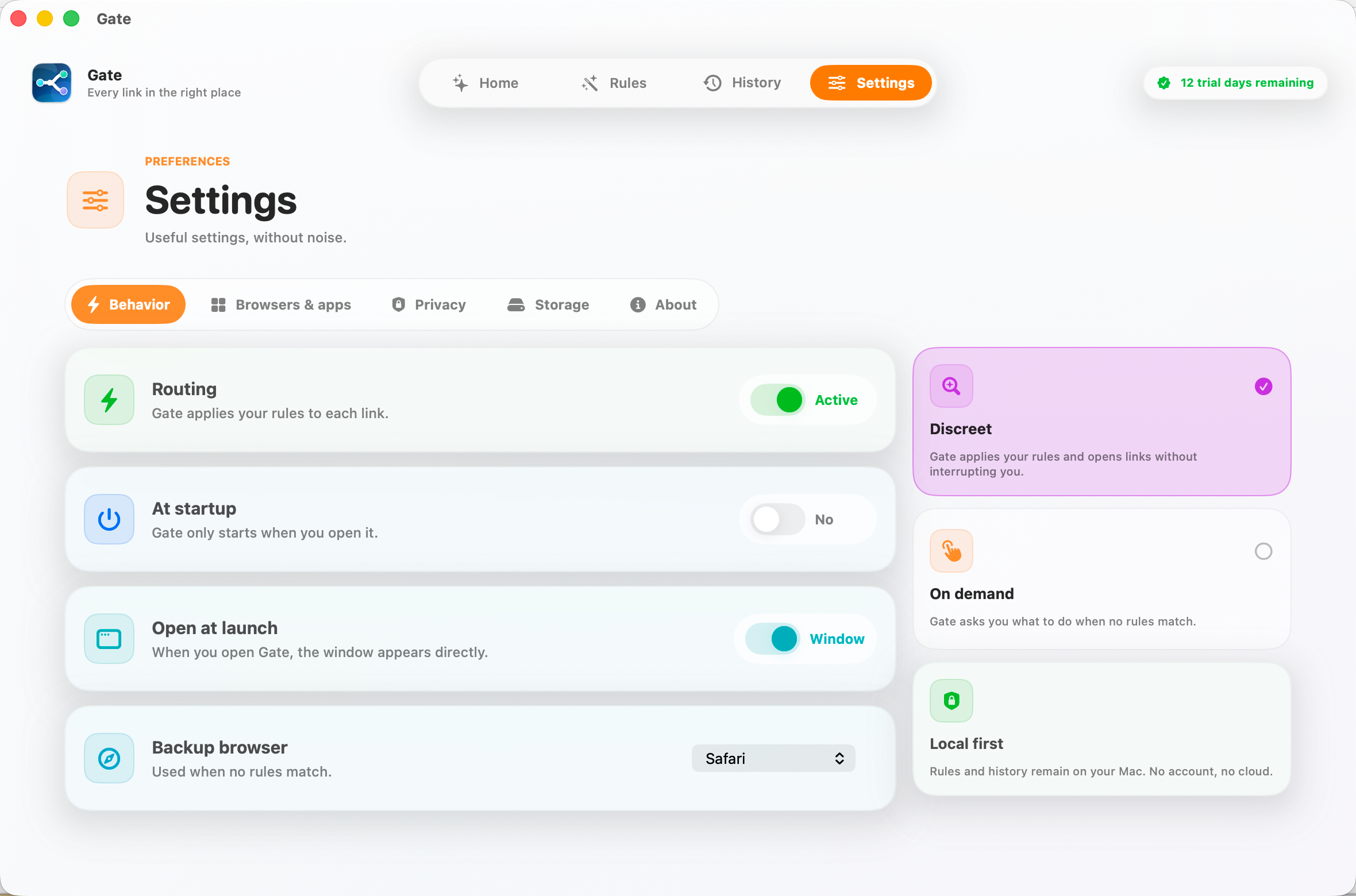
No account. No cloud. No subscription — ever.
Features
Set a rule once, then never think about it again.
Route to apps and browser profiles — not just browsers.
Cleans tracking parameters from links (utm_, fbclid, gclid…).
History shows exactly why Gate made each choice — turn any link into a rule.
A rule builder anyone can use, with plain-language steps and quick recipes.
21 languages, tuned for macOS, dark mode included.
Pricing
Free for 14 days, then one payment unlocks Gate forever on this Mac. No subscription.
A one-time purchase — the price shown is set by the App Store for your region.
FAQ
You set Gate as your Mac's default browser, so macOS hands it every link you click. Gate checks your rules and opens each link in the right browser, browser profile, or app — then hands off instantly.
Gate can route to any browser you have installed, to a specific browser profile (like your work Chrome profile), and to apps such as Slack, Figma, or Notion. Anything without a rule goes to your chosen fallback browser.
No. Gate has no account and no cloud. Your rules and history live only on your Mac, and nothing is ever sent to us or anyone else.
Gate is free for 14 days. After that, one payment unlocks it forever on that Mac. There is no subscription.
A Mac, and permission to make Gate your default browser. You can switch back to another browser at any time in System Settings.
Set it once. Every link lands where it belongs.
Download on the Mac App Store